Now in betaJoin the waitlist or request access
Save more by knowing what you can spend
Avocado tracks your spending and keeps your budgets front and centre, so it’s easy to stay on track without giving up what you love.
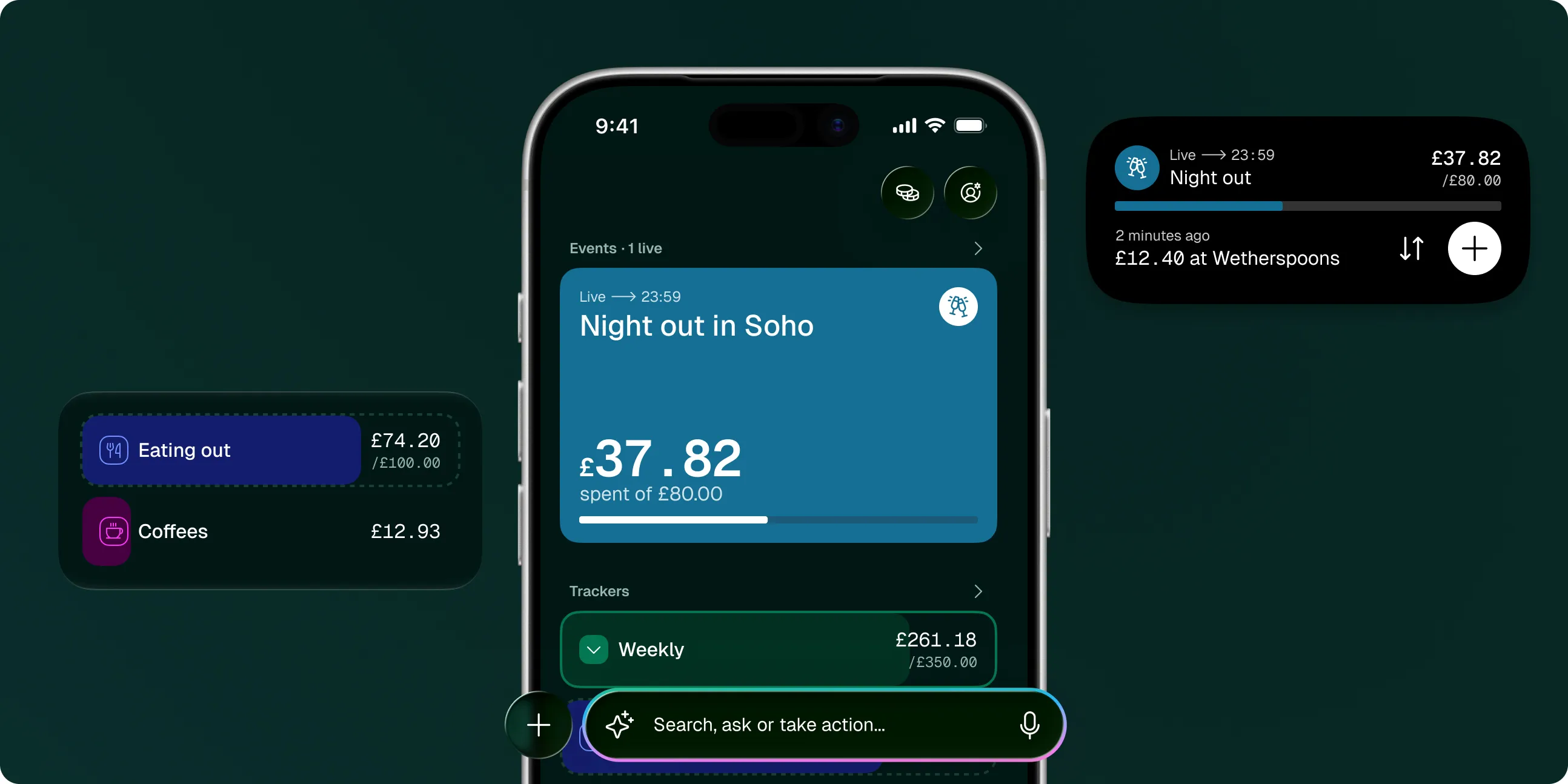
Saving comes down to lots of small decisions. Avocado helps you make them.
Start with a plan not a blank screen
Answer a few questions and Avocado builds it for you. Your spending fills it in from there.
Transactions
Every spend in one place. Type it, tell Siri, or let Apple Pay add it for you.
Today£0.00
Amazon
£67.99
Yesterday£0.00
Nero
£2.90
Netflix
£12.99
Shell
£62.00
Waitrose
£41.15
The right number when you need it
On your Lock Screen, your Home Screen and in every notification.
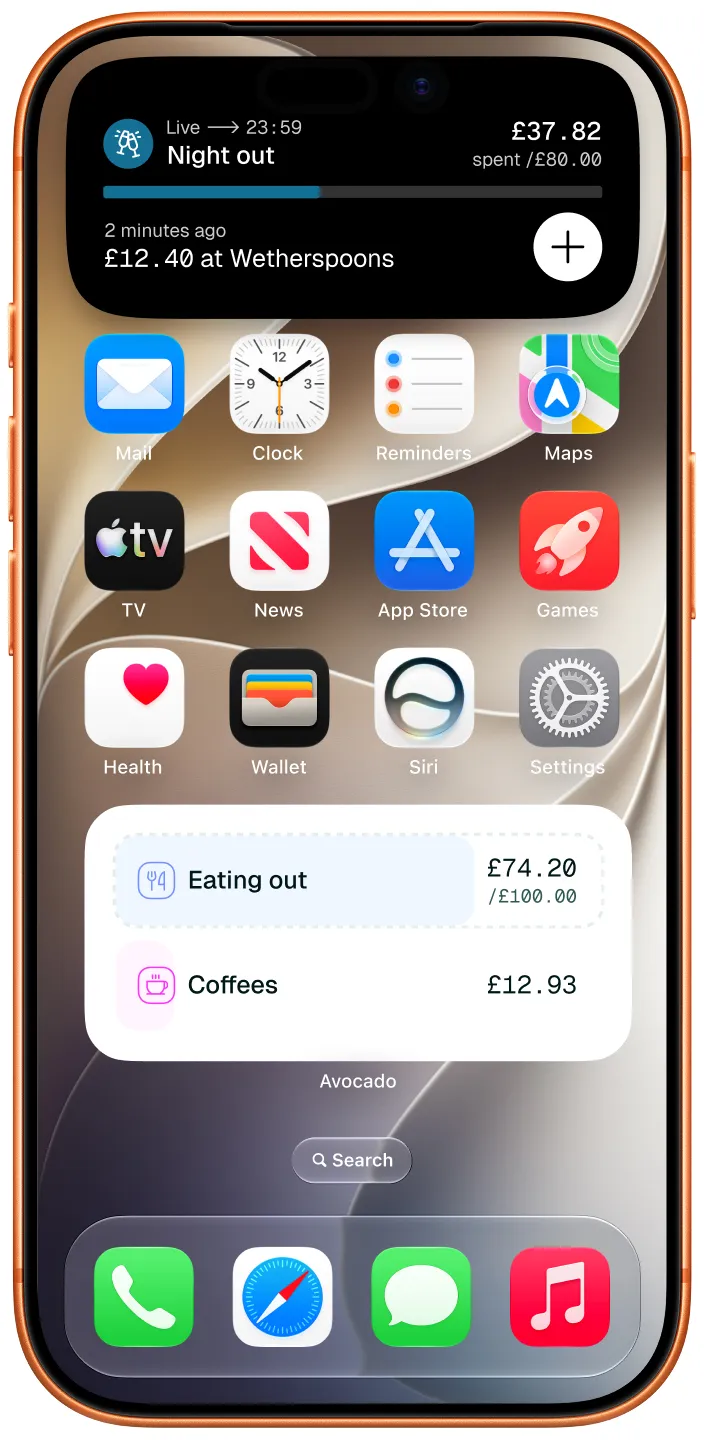
Live Activities
Know what’s left of an event’s budget without opening the app.
Widgets
Keep your budgets in sight every time you pick up your phone.
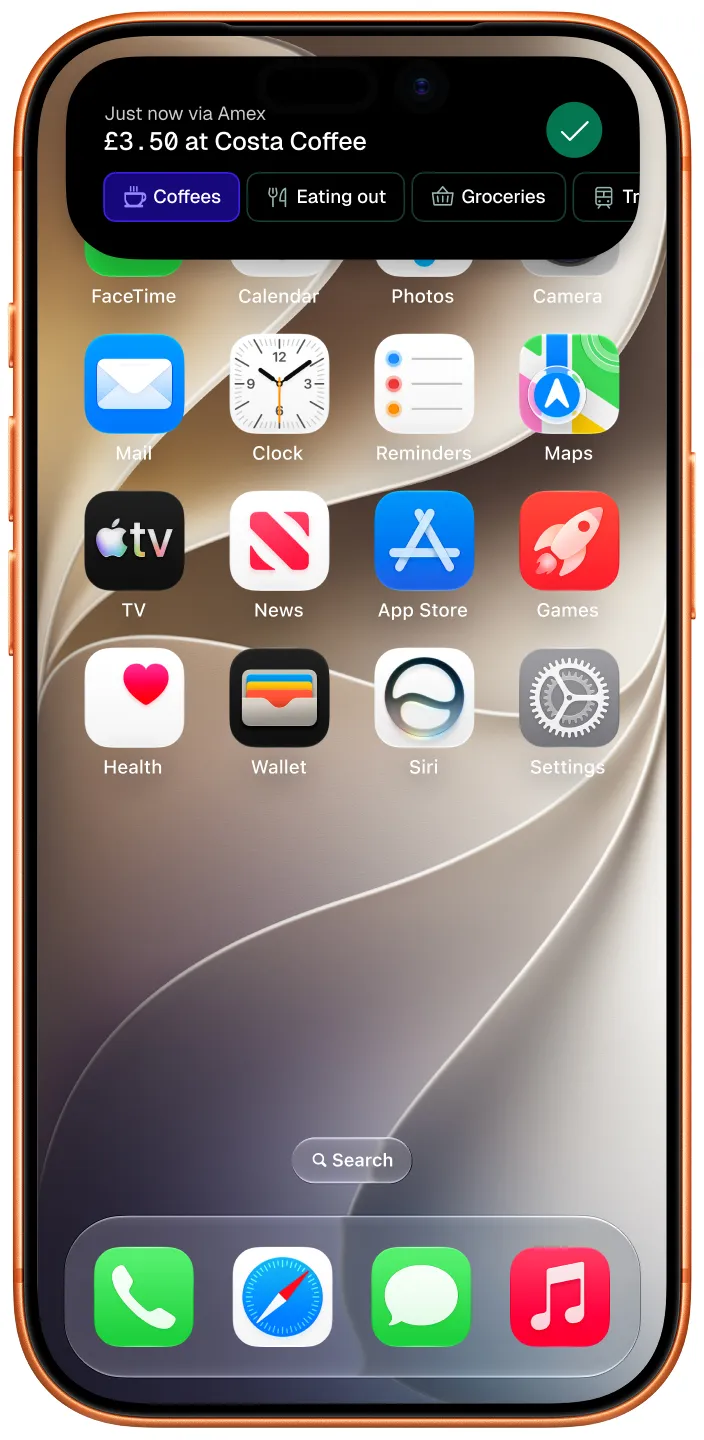
Shortcuts
Pay with Apple Pay and it’s logged: the amount, the shop and the card.
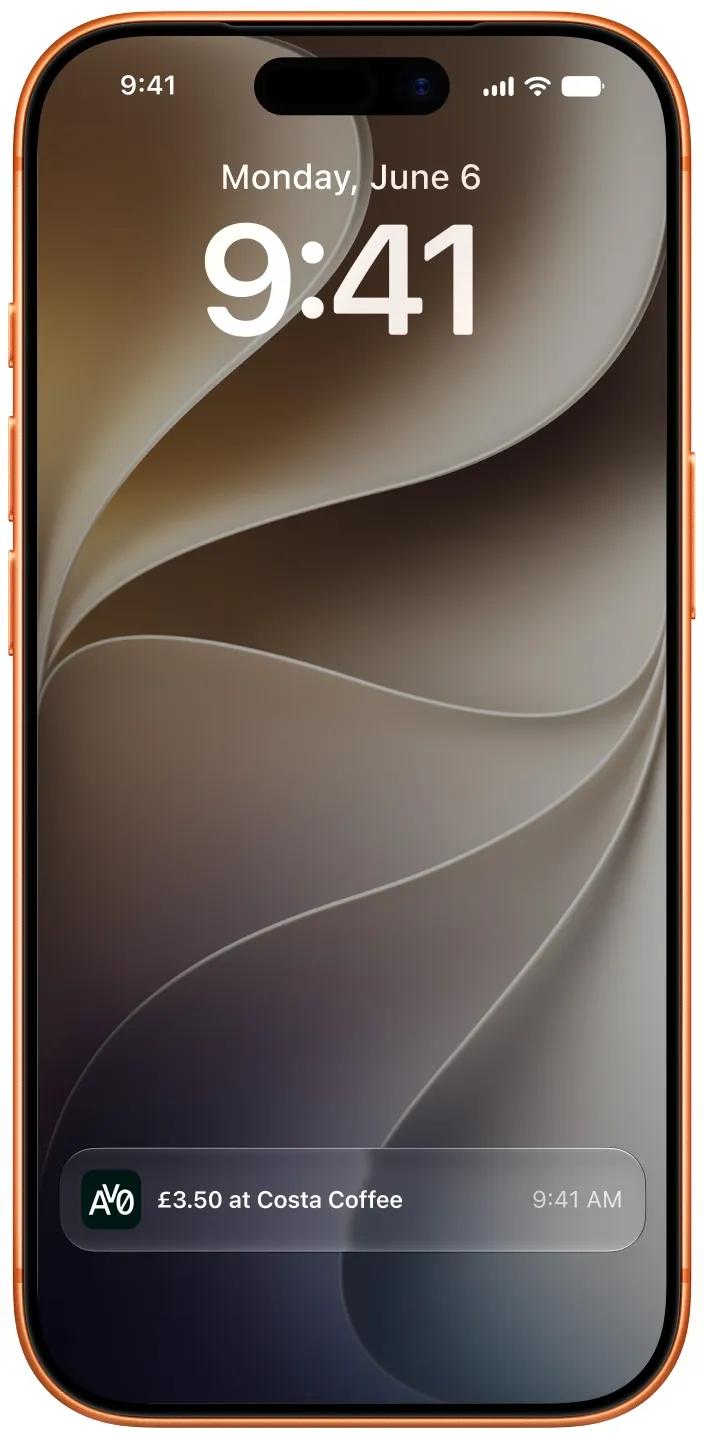
Notifications
Useful, not noisy. Just one notification for each new spend.
Your questions answered
Anything else? There’s more on our support page, or get in touch.
Ready to save more?
Avocado is in beta on iPhone. Join the waitlist, or request beta access and help shape it.